
Skip to product

Meet OBMX

One workspace.
From plan to progress.

Give the work a clear path. Keep tasks, reviews, focused time, and the people responsible connected from the start.
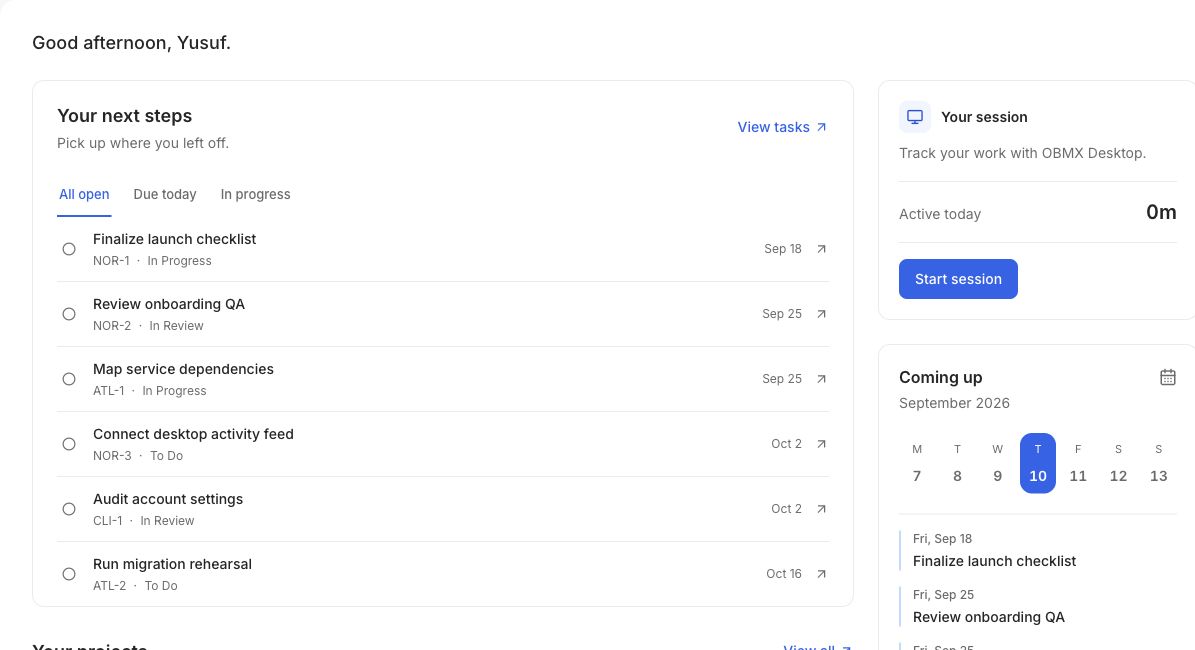
OBMX dashboard connecting next tasks, projects, and focused sessions

Projects & tasks

A plan people can work from.

Break a project into phases, milestones, and tasks. Keep the next step visible without losing the delivery it belongs to.
Build the structure
Connect tasks, subtasks, and dependencies. Set owners, priorities, dates, and tags so responsibilities are clear.
Choose the view for the conversation
Use boards to follow status, tables to work through detail, and timelines to understand dates and dependencies.
Keep delivery in context
Organize work into waves and milestones, then follow progress alongside the work still ahead.
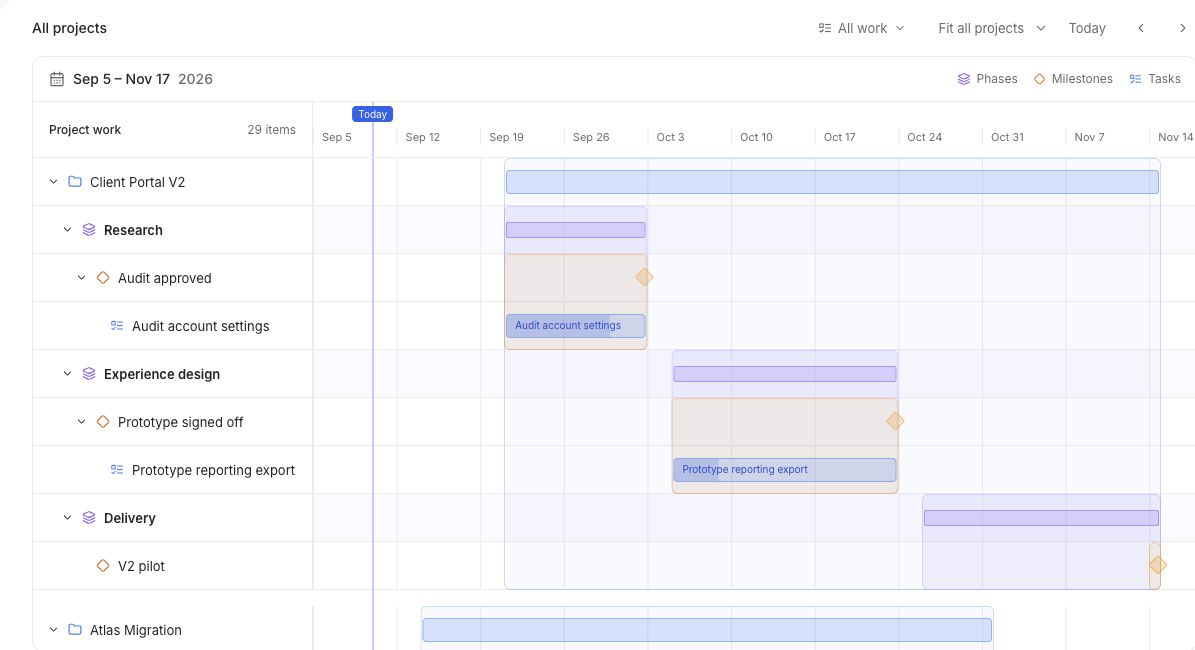
Project timeline with connected phases and delivery milestones

The delivery plan, with the work that makes it happen.
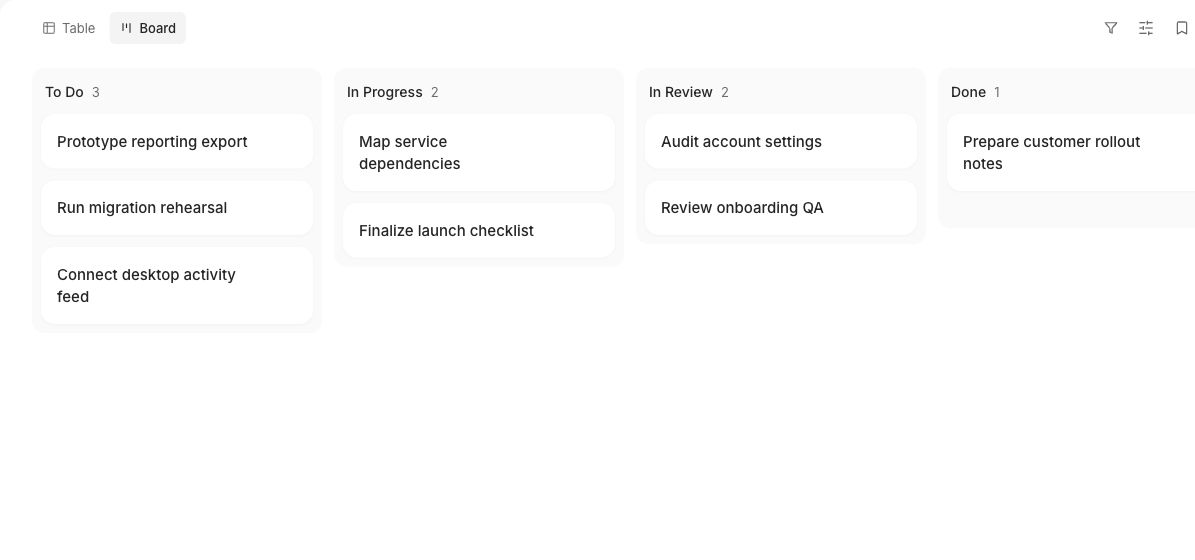
Task board organized by status and owner

Reviews & collaboration

Make the handoff part of the task.

Keep discussion, supporting files, and approval steps beside the work. The next reviewer can see the context behind the handoff.

Example review path

  1. Work prepared

    The owner updates the task and attaches the material ready for review.

  2. Feedback in context

    Reviewers discuss the work and follow the configured approval steps.

  3. Decision recorded

    Status changes and task activity keep the outcome visible to the team.

Comments, attachments, activity history, and in-app or email notifications help people follow the work as it moves.
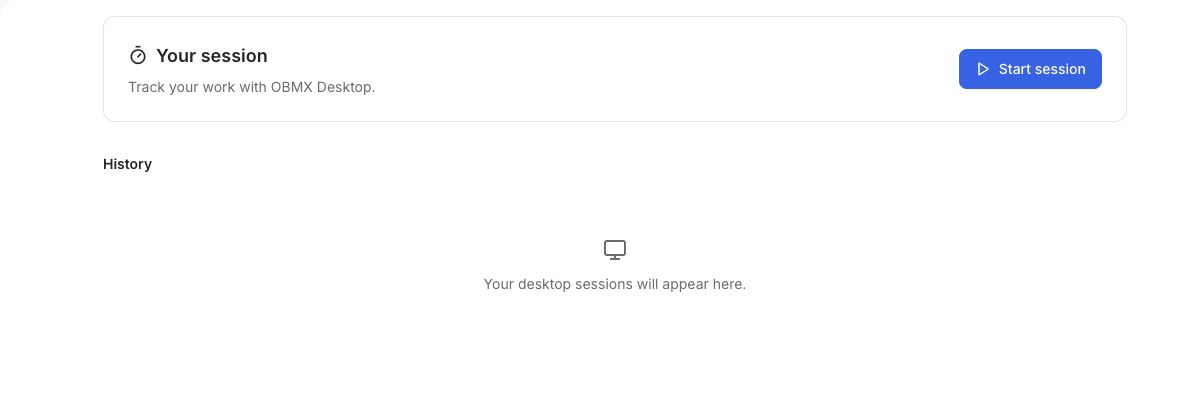
OBMX focused sessions showing recorded work and time

Focused time with a project and task context.

Desktop & focused time

Connect the effort to the outcome.

Capture a session as work happens
Start, pause, resume, and save focused work from OBMX Desktop on macOS or Windows.
Give time a useful context
Link a session to a project or task, then see time by work item and member alongside project progress.
Keep private reminders local
Optional activity cues help you notice a missed session. Reminder activity stays on your device.
Explore OBMX Desktop

People & workspace

Clear responsibilities.
Appropriate access.

Bring the team into one organization, connect people to the right projects, and configure the workflows your workspace needs.

Organize the team

Invite members, create teams and departments, and maintain employee profiles, positions, and responsibilities.

Manage access

Use roles, groups, permission packs, project access controls, and SSO configuration to shape workspace access.

Connect operations

Attendance, leave, reporting, and other operational workflows depend on your workspace configuration. Enable the capabilities relevant to your team.

Everything behind a project that moves.

Planning, focused time, and the people doing the work. Explore what comes together in OBMX.

A clear path from plan to done.

Give each commitment an owner, connect the dependencies, and keep reviews close to the work.

Explore with your team
OBMX task board with work organized by status and owner
Your delivery plan, in the OBMX workspace

Projects & planning

  • Projects, phases, and milestones
  • Tasks, subtasks, and dependencies
  • Boards, tables, timelines, and waves
  • Owners, priorities, dates, and tags

Reviews & collaboration

  • Ordered review and approval steps
  • Comments and file attachments
  • Task activity and status history
  • In-app and email notifications

Turn work into a signal you can use.

Start with OBMX